Quick start with NvChad
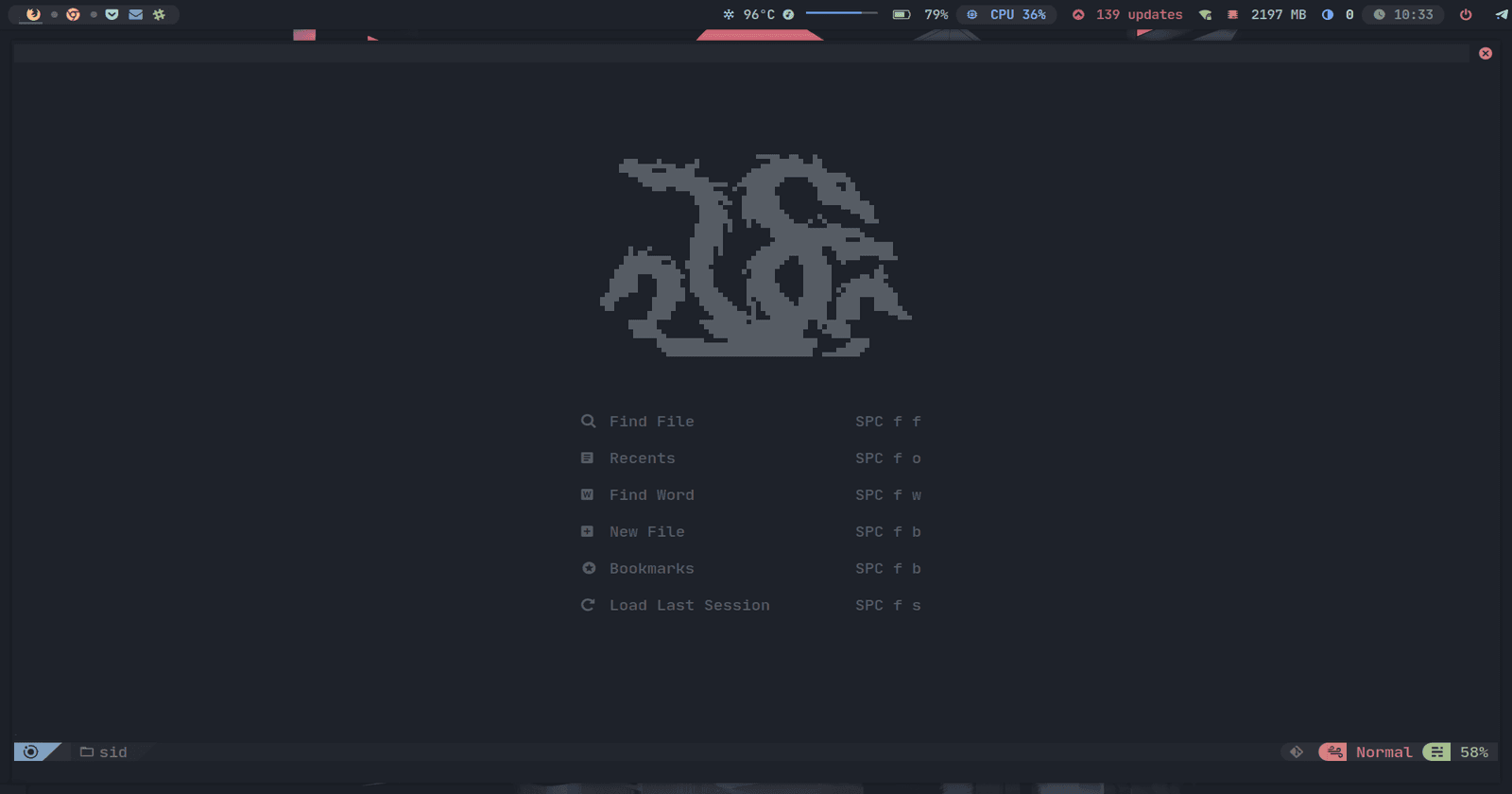
Hello Argonauts! This time I will show you a quick guide to be a giga-chad.
While it is true that the documentation covers these aspects very well, this article will guide you through the installation of the LSPs and Formatters in case you feel lost. I should also point out that the configuration will be kept as basic as possible.
Adding Mappings
First we must create our directory and configuration file, for that we will open our terminal placing the following:
.config/nvim/lua/
mkdir custom
cd custom && nvim init.lua
Once we have everything ready we will add the following configuration:
local map = require("core.utils").map

map("n", "<leader>cc", ":Telescope <CR>")
map("n", "<C-q>", ":q <CR>")
Save and close.
Adding Chadrc
Now right where we are we are going to create now the linking of the plugins that we are going to install inside nvchad.
nvim chadrc.lua
local M = {}

-- Install plugins
local userPlugins = require "custom.plugins" -- path to table

M.plugins = {
   install = userPlugins,
}

return M
Save and close.
Configure and Install plugins
We will go back and create a 'plugins' folder as configured above in the linking.
mkdir plugins
cd custom && nvim init.lua
return {

   {
      "williamboman/nvim-lsp-installer",
      config = function()
         local lsp_installer = require "nvim-lsp-installer"

         lsp_installer.on_server_ready(function(server)
            local opts = {}

            server:setup(opts)
            vim.cmd [[ do User LspAttachBuffers ]]
         end)
      end,
   },

   {
      "jose-elias-alvarez/null-ls.nvim",
      after = "nvim-lspconfig",
      config = function()
         require("custom.null-ls-config").setup()
      end,
   },
}
Save and close.
Configure Add-ins (null-ls)
Typing again in the terminal.
cd ..
mkdir null-ls-config
cd null-ls-config && nvim init.lua
Once we have everything ready we will add the following configuration:
local null_ls = require "null-ls"

local formatting = null_ls.builtins.formatting

local M = {}

M.setup = function()
   null_ls.setup {
      sources = {
         formatting.stylua.with { filetypes = { "lua" } },
         -- formatting.prettier.with {
            filetypes = { "html", "markdown", "css", "typescript", "javascript", "json", "svelte" },
         },
         -- formatting.autopep8.with { filetypes = { "python" } },
         -- formatting.gofmt.with { filetypes = { "go" } },
         -- formatting.clang_format,
      },
      on_attach = function(client)
         if client.resolved_capabilities.document_formatting then
            vim.cmd "autocmd BufWritePre <buffer> lua vim.lsp.buf.formatting_sync()"
         end
      end,
   }
end

return M
Save and close.
Note: Check null-ls builtins for linters and formatters.
Synchronize Configuration
Once we have everything ready we just have to open nvim and type :PackerSync to synchronize the configuration and download the plugins.
Install LSP
Now installing our LSPs is a piece of cake using :LspInstallInfo by scrolling to the server we want and pressing i to install it automatically.